As some of you have found out I’m a quite heavy user of using my phone as a camera, but this was a true surprise. Seamus McGarvey, the man behind the movie “The Avengers” now reveals that some shots in the movie actually was made with… an Iphone!


As some of you have found out I’m a quite heavy user of using my phone as a camera, but this was a true surprise. Seamus McGarvey, the man behind the movie “The Avengers” now reveals that some shots in the movie actually was made with… an Iphone!
Maybe you have tried to capture a golf swing or fast flying object with your mobile cam. I guess you sometimes missed that opportunity due to the (compared to your DSLR) slow camera.
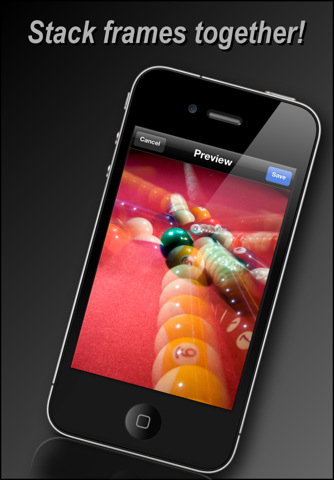
Burst mode is an app that takes multiple shots and you can then choose which one’s you wanna save. Quite handy sometimes.
The app used to cost $2 but now it’s free (for a limited time?). A little app to try out during your weekend walk? (Btw, do you notice the slight optical illusion on the right pic?)
Link to App store – Burst mode

So, the first 24 hours with the new iOS is coming to an end. At first it seemed to be a lot of struggling but I must say it’s an impressive upgrade! At one hand you hardly can’t see the difference, but on the other hand it’s so much functionality bundled together with your everyday use of the phone that I think it’s hard to go back to the old version.
The main benefits in my opinion so far:
On the negative side I can think of two main things to complain (a little) about:

Day after upgrading to Apple iOS5; my experiences so far:
After the first 12 hours after upgrading my conclusion it that I would’ve waited a few days to upgrade if I wasn’t REALLY interested in just get some experience with the new iOS and I didn’t mind struggling a bit to get there. I still haven’t succeeded in upgrading my iPad (still get an error message at the end of the upgrade process). I guess I will end up deleting it and then reinstall from my backup. UPDATE: Earlier this morning I finally (3:rd attempt) got things to work (maybe this was due to installing the Lion upgrade before?!) and it works great. The problem with the apps, like I had on the iPhone I’ve on the iPad aswell. Apart from that everything now works fine and I also think that the performance is back.

Tonight was the night when the final release of iOS5 was about to be released. With a cup of coffee in my hand I eagerly waited for the upgrade to reveal itself in iTunes, and suddenly, there it was.
I’m a quite heavy user so my phone is stuffed with things, so I was prepared for a pretty long, timewise, upgrade. After a little more than 1 hour I was finished.
My initial reactions so far:
– I notice a slight decrease in speed performance due to the heavier OS but I’m not sure yet whether this is because I still have a lot of things to handle before everything’s up or if it just me searching for differences
– The upgrade process was pretty sleek, no bigger worries but on my iPad I’m actually still struggling. Keeps getting an upgrade error. But as always with Apple products it’s just to start all over again
– iCloud really feels like a bigger thing than I initially thought it would be. It’s actually pretty nice to have all your photos (for instance) instantly uploaded to your iPad and iMac when you have taken them
– I’ve always had some problems with “me.com” but now when the services are all pulled together, it seems like those problems have been resolved with the iCloud-solution
– The biggest problem I’ve had so far is that a large portion of my 400 app’s (yes I know it’s a little bit weird) doesn’t get installed so I need to manually press the “iCloud”-button to install those that aren’t there already. With the iCloud-button i mean the service that Apple released during the summer where all your apps are synced between your iTunes-account, your phone and iPad. Quite neat and it works perfectly. Even though the service works perfectly it’s quite time consuming to enter that button, go to the screen where the icon is, go back to iTunes and click the next one.. and do this for all my apps.
– The new reminder-app seems really good at first glance. Haven’t for obvious reasons been able to try it so much yet.
If you’ve upgraded and wan’t to share your thought’s I’m really curious about how things went.

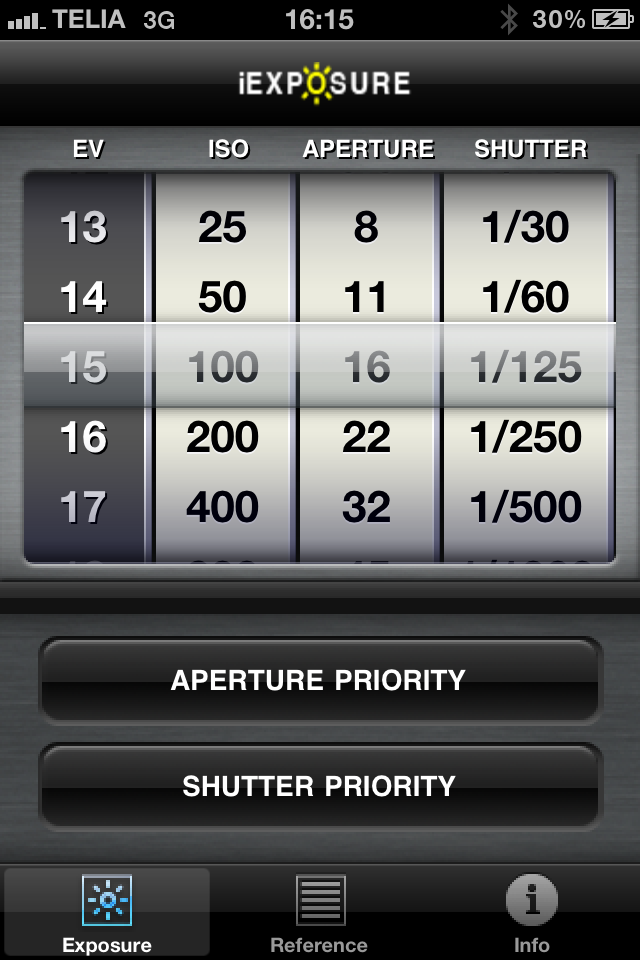
iExposure
If you’re new to shooting in PASM-mode, you probably are interested in getting the right manual values for your shutter-speed, aperture and so on and at the same time learn how these things work together.
With this app you will get a great introduction to all of that and also get som handy tips for different conditions. The app usually costs $1 but is now free.

Kommer uppdatera med källhänvisningar senare idag.
Did Apple just introduce their “light” model due to the fact that Steve Jobs just had days left? I don’t think that it’s impossible.
Apple is one of the Worlds best companies when it comes to marketing and PR and it wasn’t hard to predict that the sad news about Jobs would outstand the news around the new model. At the same time the new CEO really needs something to “deliver” to get him moving in his new role.
So… I wouldn’t be surprised if we’ll see the new iPhone around Christmas time (or before) when the sad news about Jobs have calmed down a little.
Just a thought…
For the last years I’ve been a true fan of Apple (as I might some of you already figured out…). I often even joking about my home as a live “Apple store”.
I’m really sad to receive the sad news about this inspiring man leaving us. A man with true visions and a clear sense of where we are going.
If you haven’t read the blog post, or seen the video in “one of the most inspirational speeches ever”, today is a good day to watch it.
Rest in peace, Steve Jobs!
https://saarimner.com/2011/10/01/one-of-the-most-inspirational-speeches-ever/
As some of the readers of this blog have found out I’m using my iPhone quite heavily. While yesterdays news about the new iPhone 4S was a big disappointment, it will be interesting to see how the next iPhone’s camera will come out. And if you would like to see some examples already, you don’t have to wait.
I think it looks really promising!

Since today was the big launch day for what many of us thought to be iPhone 5, and we instead got the iPhone 4S where the main feature seems to be, besides better battery and faster processor, a better Camera with 8MP, I thought it might be a good idea to put up a pic with the current cam.
What do you think of the new iPhone? Disappointment or exactly what you were waiting for?
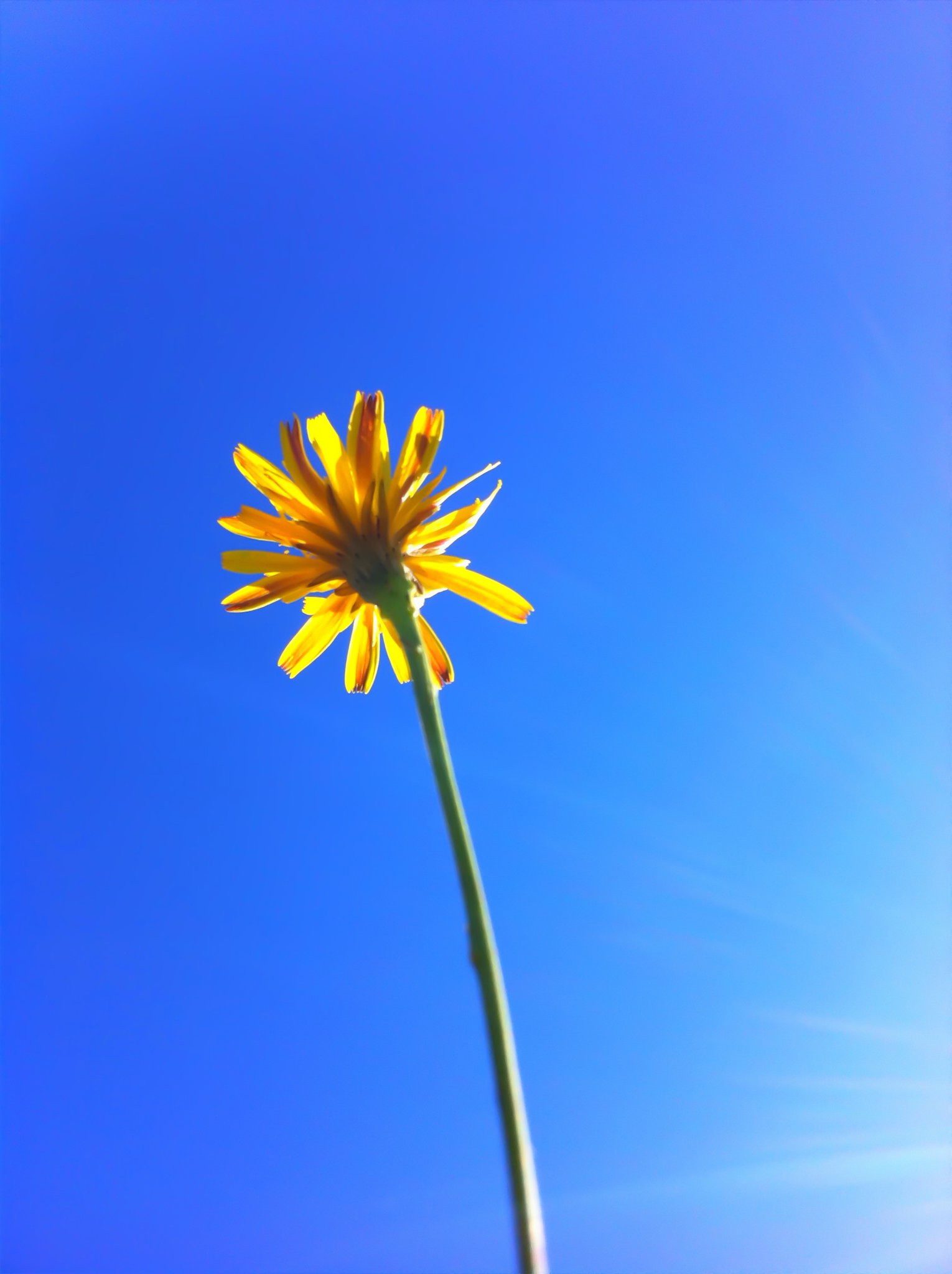
Summer in Piteå
Iris Photo Suite (15 SEK = $2)
Iris has during the last two days became one of my favourite iPhone-photo-apps. Why? Well, so far I haven’t found an app that have so much functionality in a Phone and still it’s so easy to use, and at the same time comes packaged with so much great functionality.
In the app you’ll find many features that you normally just find in quite advanced photo editors on your laptop/PC/Mac. But this isn’t just the case, you’ll also find filters that’s quite like Hipstamatic, Instamatic and so on.
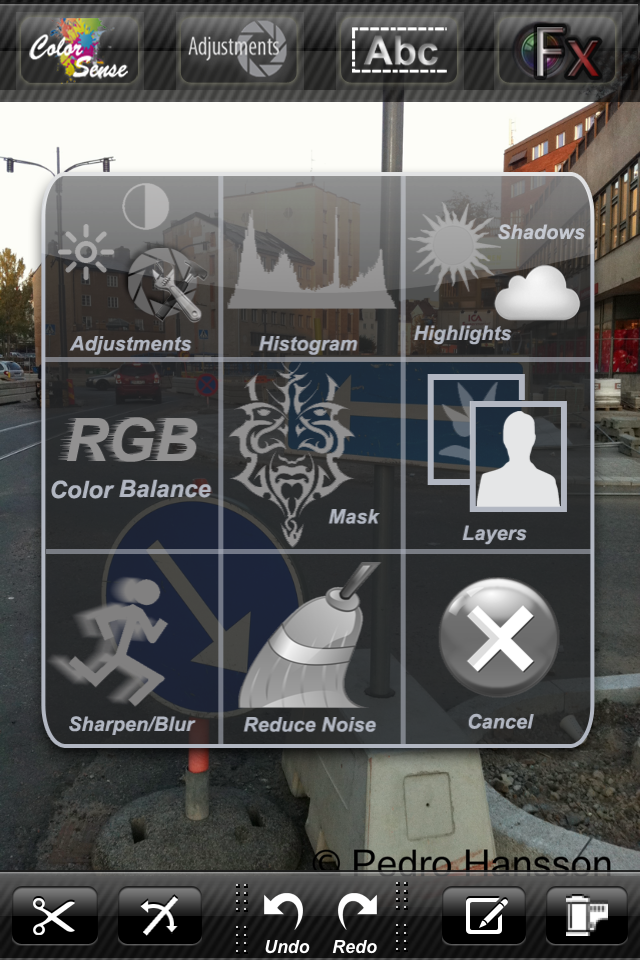
At this moment this is one of my absolute favourite iPhone-apps.
I’m really interested in Apps for the phone since the phone is the nr 1 camera in terms of mobility. However there are so many apps out there at this moment. In this blog you’ll find app-reviews from time to time.
To make these reviews a little more generic I will start a small, on volley invented, point system and will in future judge (1-6) iPhone apps in terms of:
The point system may change but I’ll start off with the settings above. If you have any feedback on this, please let me know.
A small video-project I did a while ago where I’ve put together some pictures from the summer of 2011.
Today after work I thought it would be a great day for some pictures. Blue skies, bright sun and autumn colors. After a few shots I heard that a branch broke but didn’t care about it so I continued to take pictures and just enjoying the day. Then I started to notice that people starred and then looked down on the camera and saw this and then reached for my face…

I guess the rest is evident…
So, the first meetings for the day are done and I’m heading back for Office. Jumped off the subway a few stations ahead, and what a day it is!
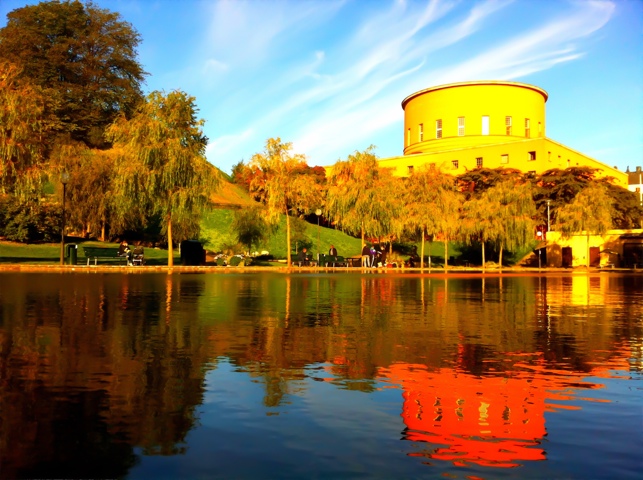
iPhone-pic, Stockholm – Sveavägen
Some people say that the best camera you’ll ever have is the one you bring with you. In those terms I guess my phone comes close to being the my best camera. Since the camera in the phones always are the best when it comes to bringing out the best of your pics there are great apps that at least will bring you closer to your desired result.
In this post I’ve put together some of the best apps in my opinion when it comes to photography and iPhone.
Photoshop Express (link to app store)
I guess Adobe don’t need any further presentation. In the image-industry they are one of the biggest and the Photoshop-softwares have been around for quite awhile. With Photoshop Express you get one feature that I think is necessary if you’re keen on getting the noise out of your pictures.
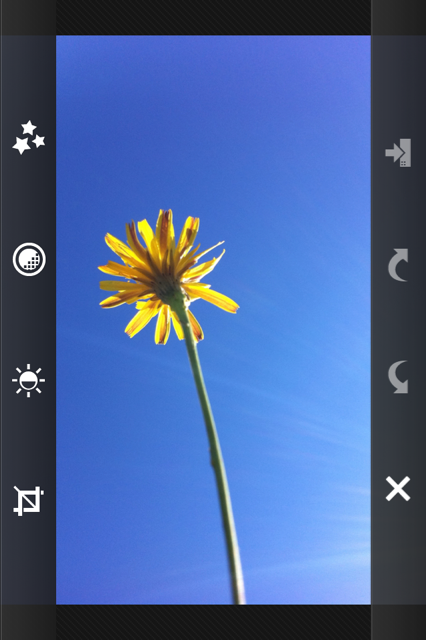
Below you have the same picture, with and without the reduce noise function in Photoshop Express.

iPhone-image of Visby sunset without reduce noise function (Click image for large version)
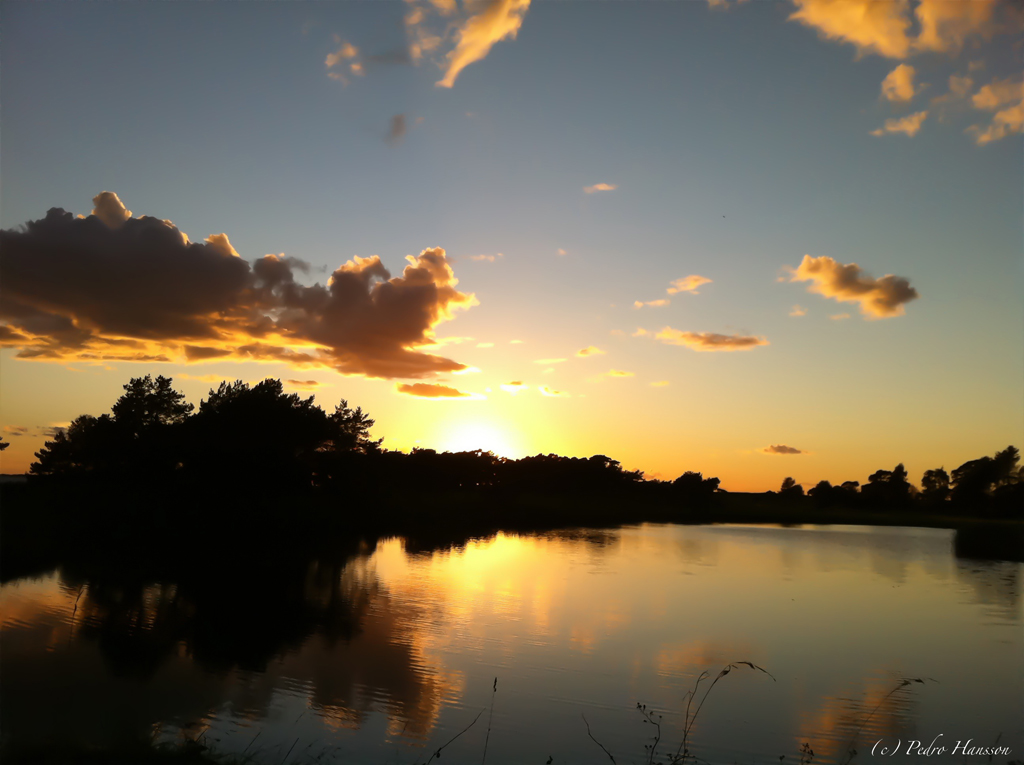
Same picture as above, but now with reduce noise (Click image for large version)
A note to using this function is that, when you reduce noise, also loose details so the result will, as always, differ depending on what you want to show.
Photoshop is free but you have to spend a few bucks on getting the Reduce Noise Function
Instagram (link to app-store)
If you like filters and sharing images with the rest of the world you’ll love Instagram (my nickname at Instagram is pedrohansson). I’m surprised how creative and actually really beautiful images that are shared at Instagram. And many of those just using their iPhone (1)

iPhone-Image using Instagram-app
Pro-HDR (link to App-store)
One of the apps that I’m using the most. The iPhones built-in functionality for HDR is quite good but this app is so far ahead in terms of control and image quality. If you don’t know what HDR is and are interested in getting some new ideas for your photographic session I suggest that you look into it. In short HDR is using several exposures (over- and under exposed) to create one image. By using several exposures you can use the lighter information in the under exposed image and vice versa. HDR-apps can also being used for creating motion and ghost-like effects.
Another side-effect with HDR is that you can find colors that otherwise aren’t possible due to over- and under exposure-difficulties.
A side effect of using two images is that you need keep the camera absolute still, otherwise you get some blurry effects.

iPhone HDR-image of South Kensington Station in London
I hope you can use some of the app-tips above. Happy for comments. What is your best photo-app and how do you use it?
(1) A portion of the images at Instagram are shot with professional equipment
Update: Thank you Helen for these nice tips!
Pixlromatic (link to App store)
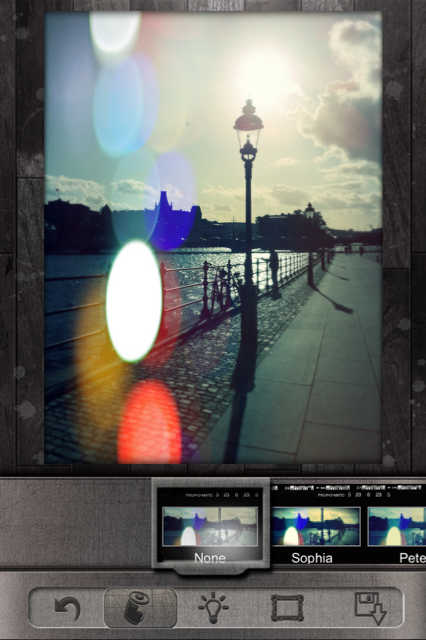
Screen Capture from Pixlromatic
This is an app that comes out of the box with a pretty nice set of filters. Some of them are quite similar to the top-seller Hipstamatic but others are more “original”. I’ve tried this app and my first impression is that it’s quite good even though it brings alot of noise to the image, but I guess that’s normal with app’s like this. Since int comes with no charge I think it’s definitely worth downloading.
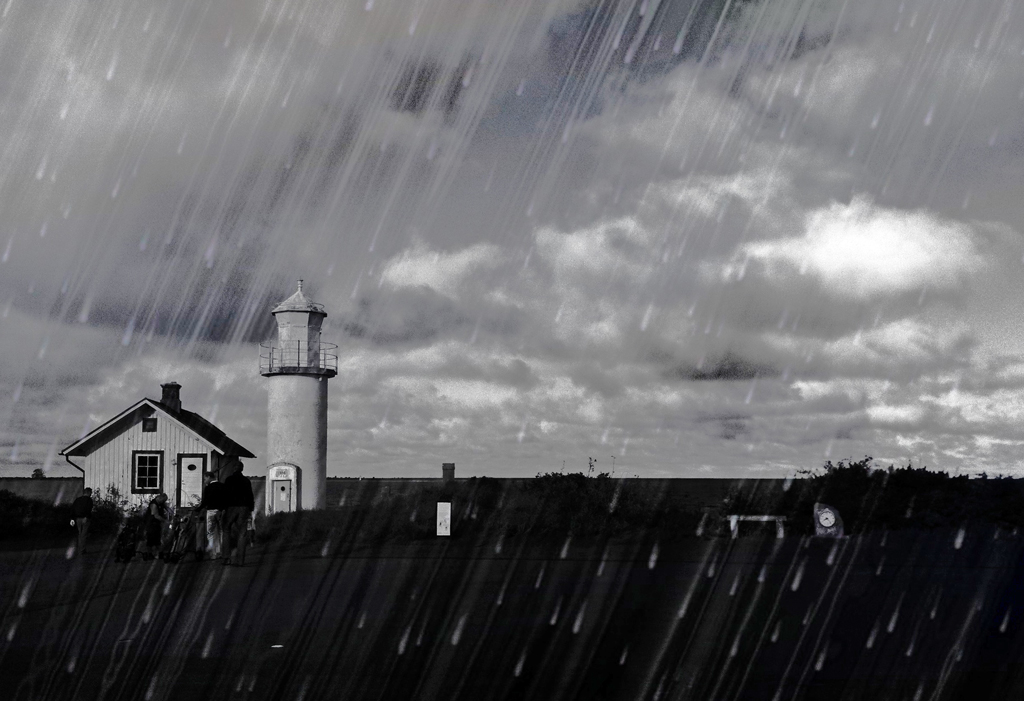 Pixlromatic-image with “rain-effect”
iDarkroom (link to App Store)
This app is quite like Pixlromatic, i.e it comes with a bunch of filters to use. The user interface is fast and friendly and it’s really easy to like. The cost for this app is 7,00 SEK (about $1) in App Store so I guess it’s well spent money.

Screen Capture from iDarkroom

 Saarimner.com
